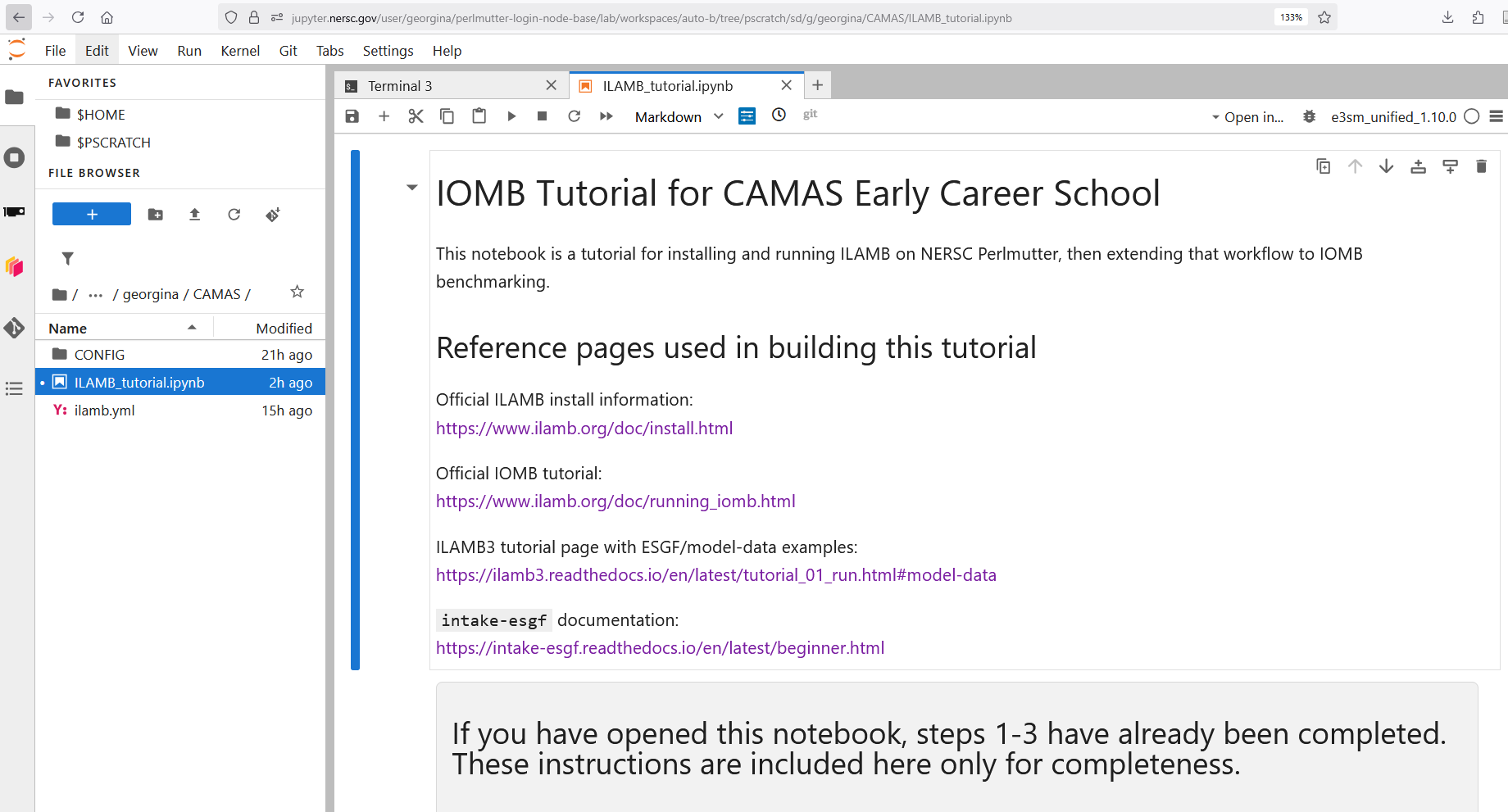
CAMAS Early Career IOMB Tutorial
This page provides the quick-start instructions for accessing the tutorial
on NERSC Perlmutter.
These instructions assume you already have a regular or a training account at NERSC.
Step 1 — Sign in to NERSC JupyterHub
Go to:
https://jupyter.nersc.gov/hub/login

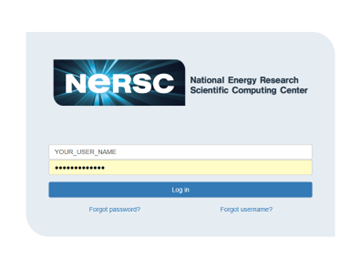
This will take you to the NERSC log in page
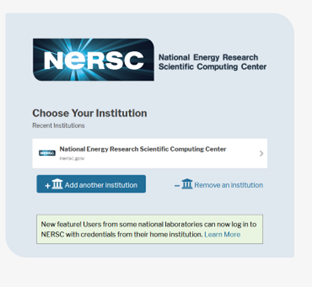
This will then prompt you for your Multi-Factor-Authentication (MFA). You will likely be getting this from an authenticator app on your phone
Step 2 — Start a session
Click the START button to launch a login node.

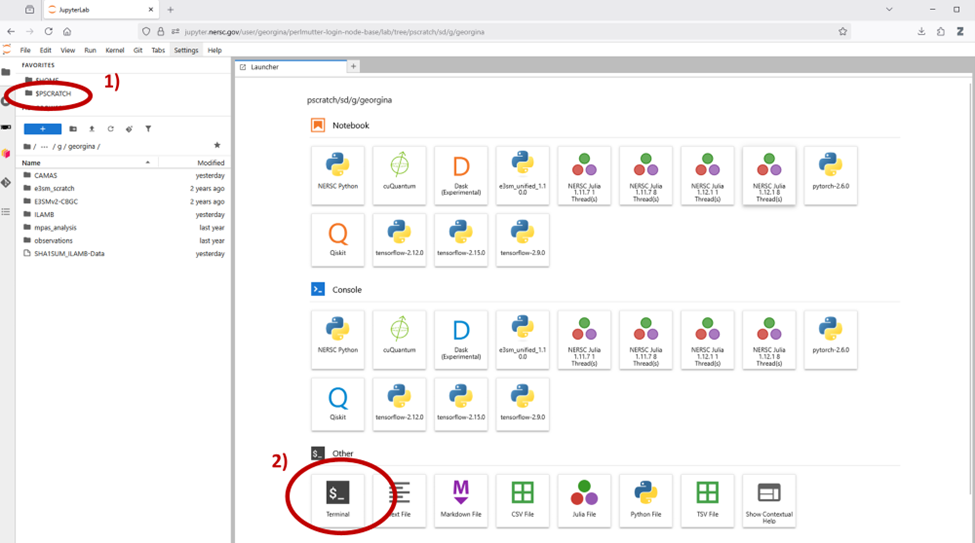
Step 3 — Open your scratch space
Click $PSCRATCH in the left file browser.
Open Launcher → Terminal.
Example path:
/pscratch/sd/g/your_username
Step 4 — Copy the CAMAS tutorial files
Run this command in the terminal:
cp -rf /global/cfs/cdirs/ntrain5/CAMAS $PSCRATCH
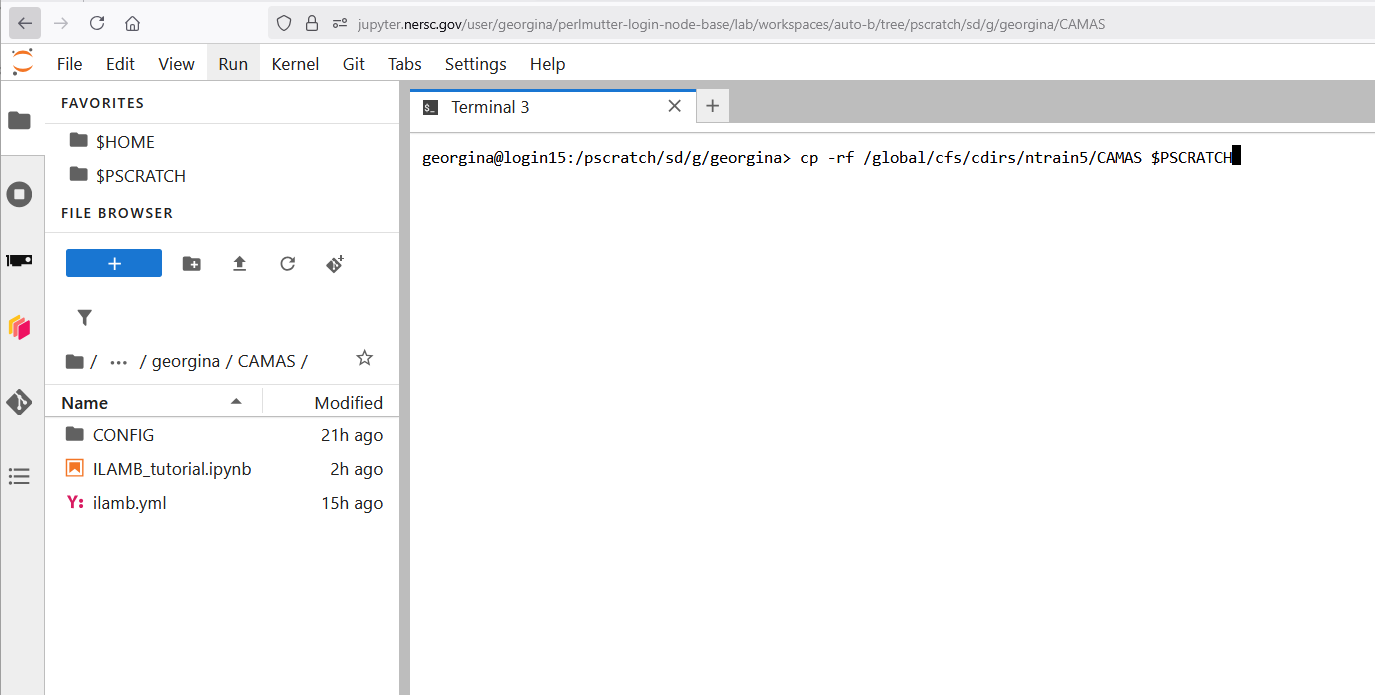
Step 5 — Open the tutorial notebook
Navigate to:
$PSCRATCH → CAMAS
Open:
ILAMB_tutorial.ipynb